

1·
9 hours agoHow old are these machines, from oldest CPU model to newest CPU model?
“Life forms. You precious little lifeforms. You tiny little lifeforms. Where are you?”
- Lt. Cmdr Data, Star Trek: Generations
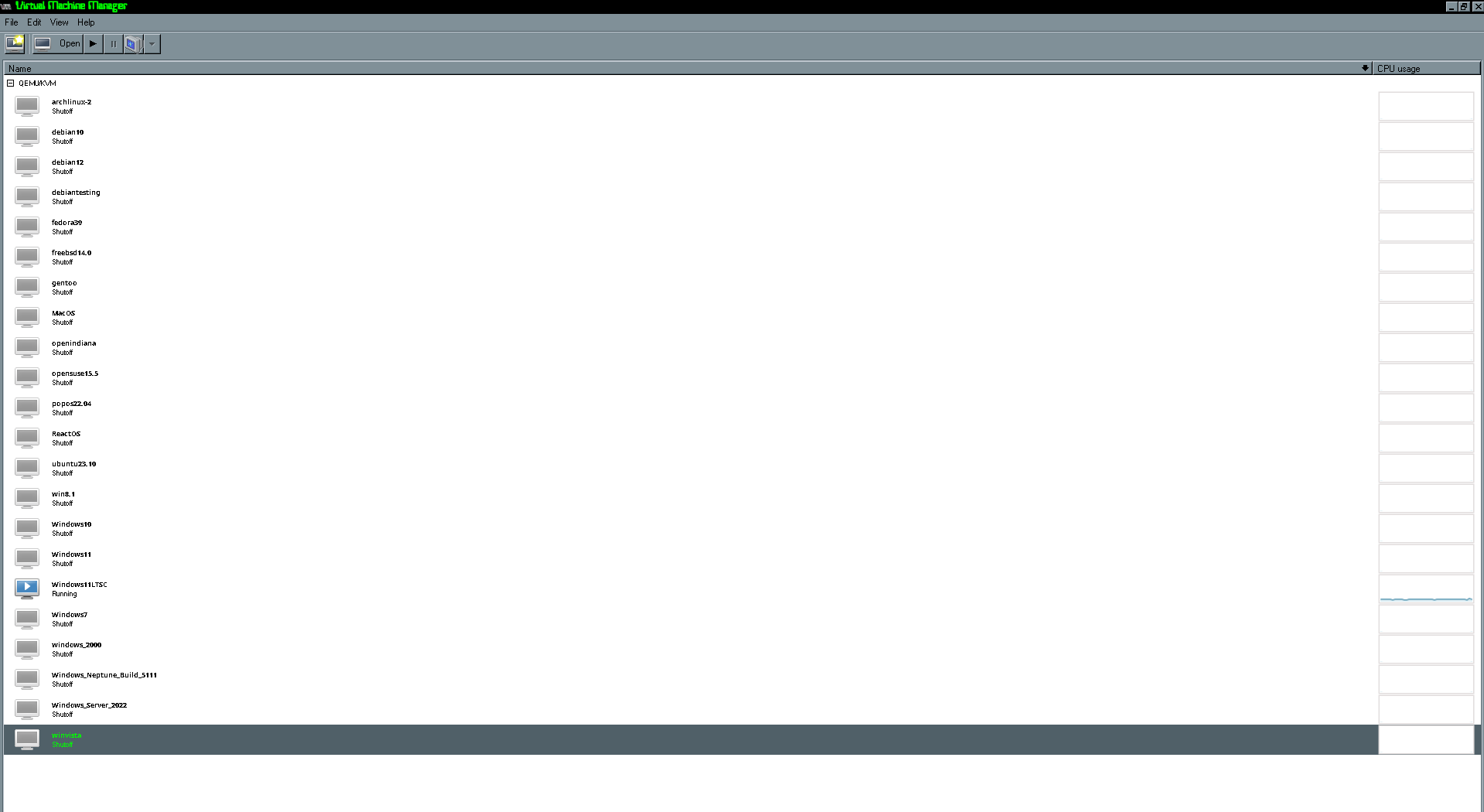
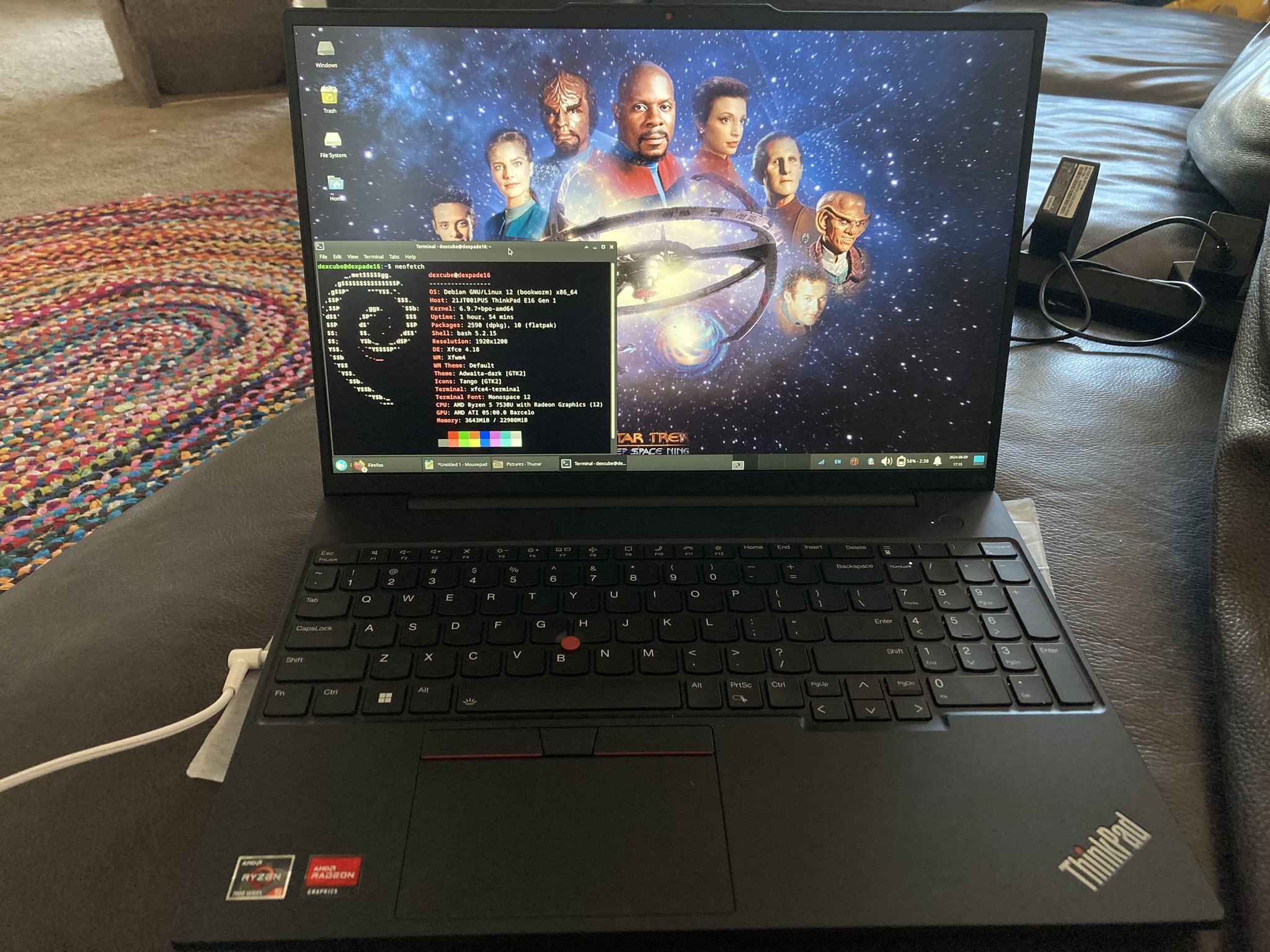
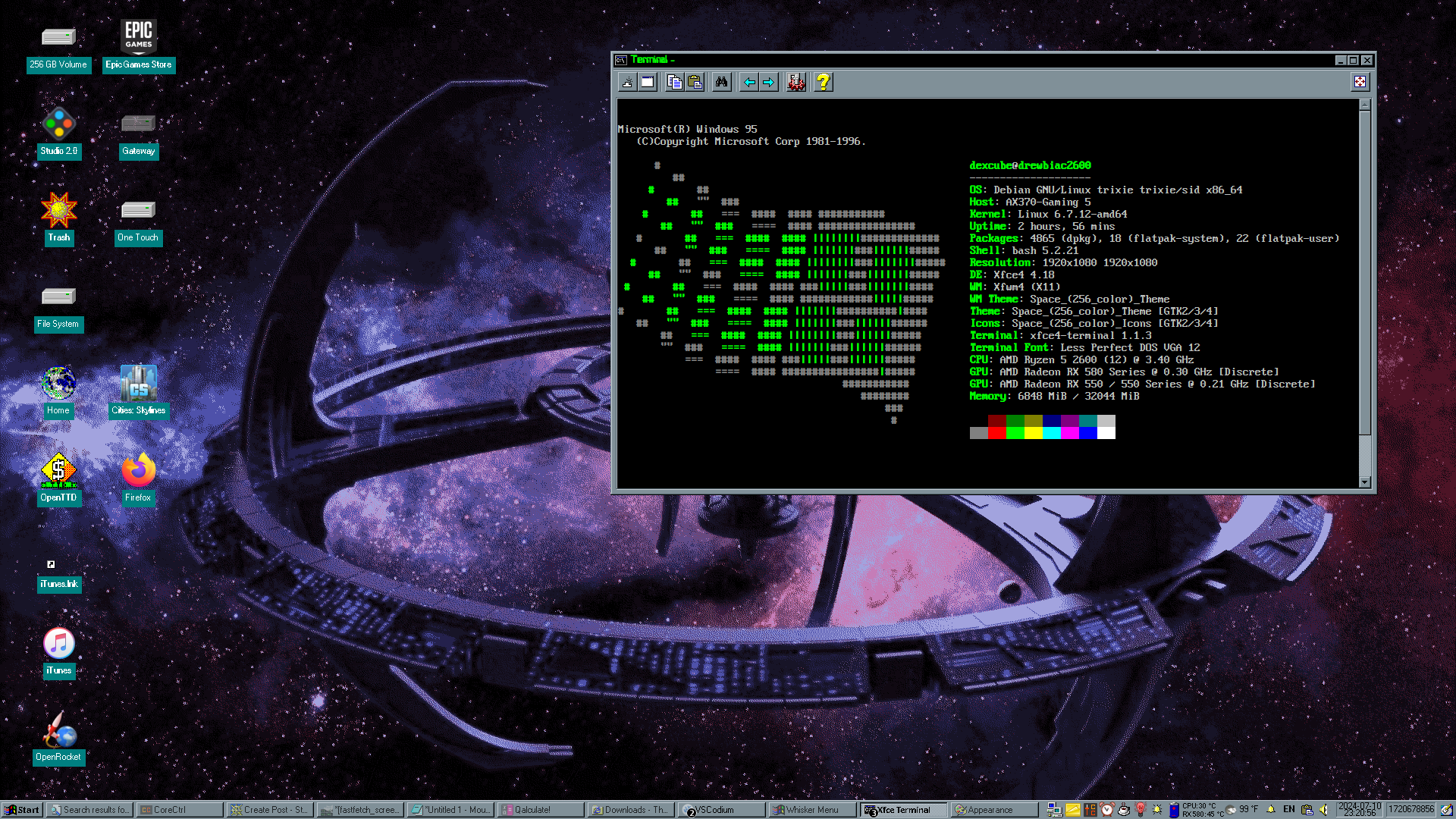
How old are these machines, from oldest CPU model to newest CPU model?
I mean, depending on the budget desktop, it might be much better than a Raspberry Pi 5, which I hear is already occasionally used for such things.

It’s kind of hard for me to watch the HP movies these days with all the Rowling stuff, which is unfortunate because Radcliffe and Watson have stood up to Rowling’s transphobia. There’s also a lot of stuff from reading the books as a kid that is, in retrospect, rather horrible.
Maybe I could see myself one day re-watching them through a means that doesn’t directly fund Rowling (or, in the future, her estate, if its activities are malicious) and enjoy the work of the other people who aren’t involved with the stuff Rowling is doing, but for me, that day is not today; I just feel too conflicted about it.
For now, though, if I want to enjoy Radcliffe, I throw on 2022’s Weird: The Al Yankovic Story.
I’m very close to finishing my current TNG rewatch and am looking forward to throwing on Generations to commemorate the season.

I think I have a bit more nuanced feelings on the MIT license. If I actually write something useful, GPL all the way, baby!
However, I don’t necessarily think the MIT license is the embodiment of evil; I find GPL a bit overkill for hobby projects. I’m not talking things that have the potential to become critical pieces of infrastructure like a kernel or something; I’m more talking about emoji pickers or hacky little Python scripts that would be pretty useless to a Fortune 500. In the minute chance someone actually cares about my silly little toy to fork it, I see very little point in encumbering it with the full heft of a copyleft license and stopping them from doing whatever the heck they want.
Assuming this is an ATX or ITX PC, there’s likely a way to reset UEFI so you can disable fastboot and change your settings, or at least boot from a recovery USB.
There’s usually something like a button or 2 pins you can short on your motherboard to reset the settings. If your machine has dual BIOS, there will be a switch you can flip, though you’ll probably need to update the UEFI again once you do that.
In the worst case (and this should work on almost any device), remove the CMOS battery, let the device sit for a few minutes, then put that battery in. That should clear all settings, including fastboot, and allow you to do recovery stuff - just make sure you fix the time before going on the internet.
Just to make sure - it’s not some cable hitting a fan in a case, right?
I’ve seen systems before where a cable is too close to a fan, and you don’t hear a noise until the fan speeds up.
Usually, you don’t need to bother much with drivers at all outside of Nvidia GPUs and Broadcom modems since the kernel is monolithic and contains most drivers.
On an ATX motherboard, I think it’s extremely rare for the ethernet chipset to require an out-of-kernel driver.
Honestly, even AMD to Intel would probably go mostly fine, considering the monolithic nature of the kernel and it having most drivers built in.
You’d probably want to make sure you have the Intel firmware package installed and make sure to remove configs specific to AMD stuff, like power management configs and kernel parameters, but it would still most likely boot.
Honestly, probably no. You’re switching to something with the same CPU generation and micro architecture, and the boards are by the same manufacturer with the same mobo chipset generation (both 5xx). It should be plug and play.
The only major change I can see the old CPU has an iGPU, while the new one doesn’t, meaning that you won’t be able to use the video port built into your motherboard, only the ports on your GPU. I’m guessing you probably weren’t using that HDMI port in the first place, so it’s probably non-issue.
EDIT: There is a small chance you’ll have to change your fstab depending on how it’s configured; if it’s done by drive UUID, it won’t be a problem.
PDF forms are often horrible when done wrong; however, PDF files are really good for when you really need a document to look the same everywhere and don’t want to worry about what fonts the recipient has.
The accessibility issues are legit, though.
I otherwise agree, but what’s particularly wrong with PDFs? Almost anything can generate a PDF these days.
Funny post, but “his/her” makes me think, “What about non-binary Klingons?”
That poses the interesting question: what is it like to be non-binary, or queer in general, as a Klingon? Sounds like a whole c/Daystrom Institute post I need to make.
Also, DuoLingo has lost its honor in general with its AI obsession and heavy layoffs; only a petaQ would use such a coward’s website.
The only way a true warrior can learn Klingon is the old ways - the Okrand books and tapes!
EDIT: Klingon Wiki is also helpful, as is KlingonSKA for searching words and Hol ‘ampaS for font-related stuff and digital versions of out-of-print Okrand tapes.
I think I made the mistake of pushing my grandfather away from Linux. He’s retired but does some professional photography; he’s used Photoshop for years, but said he’s open to leaving Adobe.
One day recently, he told me he heard about “this Linux thing” and asked me if it would be a good fit and run Windows applications well. I told him his main issue was probably Photoshop, and that even switching, he’d still need some stable, consistent way to open past PSD files. In retrospect, maybe I should have looked more closely at his use case to see the complexity of his edits and if they might have worked well in another program that runs on Linux.
I think for the MS Office thing, it depends on what it’s being used for. If it’s just creating a fresh document or editing a simple existing docx, LibreOffice it totally fine; I’ve heavily exclusively used LibreOffice Writer during my time in college and been okay, as I’m either just writing in MLA or using a provided Word file that I can then just save as an ODT after initial conversion and export as a PDF when it comes time to turn it in.
However, from what I can tell, if you’re working in an organization that extensively uses MS Office, files may need to survive multiple openings and edits between multiple editors, and multiple cycles of translating between document representations can lead to degraded documents and just make your work life absolutely miserable. Thus, LibreOffice isn’t an option, though I hear there are more MS-compatible suites that are usable on Linux, though not all of them FOSS.
This is why I’ve so far left my mother alone about Linux; maybe if I saw some evidence that her workflow would be more amenable to LibreOffice than I think it is, I’d reconsider.
I usually format my external drives to exFAT since it’s fully supported R/W on all major operating systems, in the slim chance I have to use macOS.
Still, no need for the OP to reformat their drive; NTFS tends to work just fine.
I need to play with HomeAssistant more. My last bit of hesitation was I was struggling to find a replacement for the announcement and intercom functionality, which is half of what my family uses Alexa for.
It looks like it got announcements with the “broadcast” intent in February; for the intercom, there may be a plugin. This seems like it might have me covered on the intercom front: https://github.com/JoeHogan/ha-intercom
Perhaps I’ll mess around with it again once the semester’s over; a lot of my family would really like to jump the Amazon ship and certainly be willing to try it if I give them the option.
I agree with other people that you should futz around with your GPU drivers and different Wayland compositors first, but also, if you ever had to reinstall, there is such thing as saving your dotfiles to significantly reduce setup time.
I don’t do that because I’m lazy, but it certainly is a thing







For the record, I rationally hate AI*, and this title already raises suspicion for me.
“AI” is a buzzword, and seeing it in the title or slogan for project or product reeks of some business major jumping on a bandwagon that they don’t truly understand, and where there’s business majors, there’s probably encrapification.
*: Of course, one of the big problems is “AI” is a misnomer - there’s no “Intelligence” to it. “ML” is closer to capturing the nature of the technology without ascribing to it some magic power that it doesn’t have.